Guides
Reading an ECU: OBD, bench and boot compared
OBD, bench and boot ECU reading explained: connections, available data, ECU removal, selection criteria, risks and questions to ask.
At a glance
The key answer first
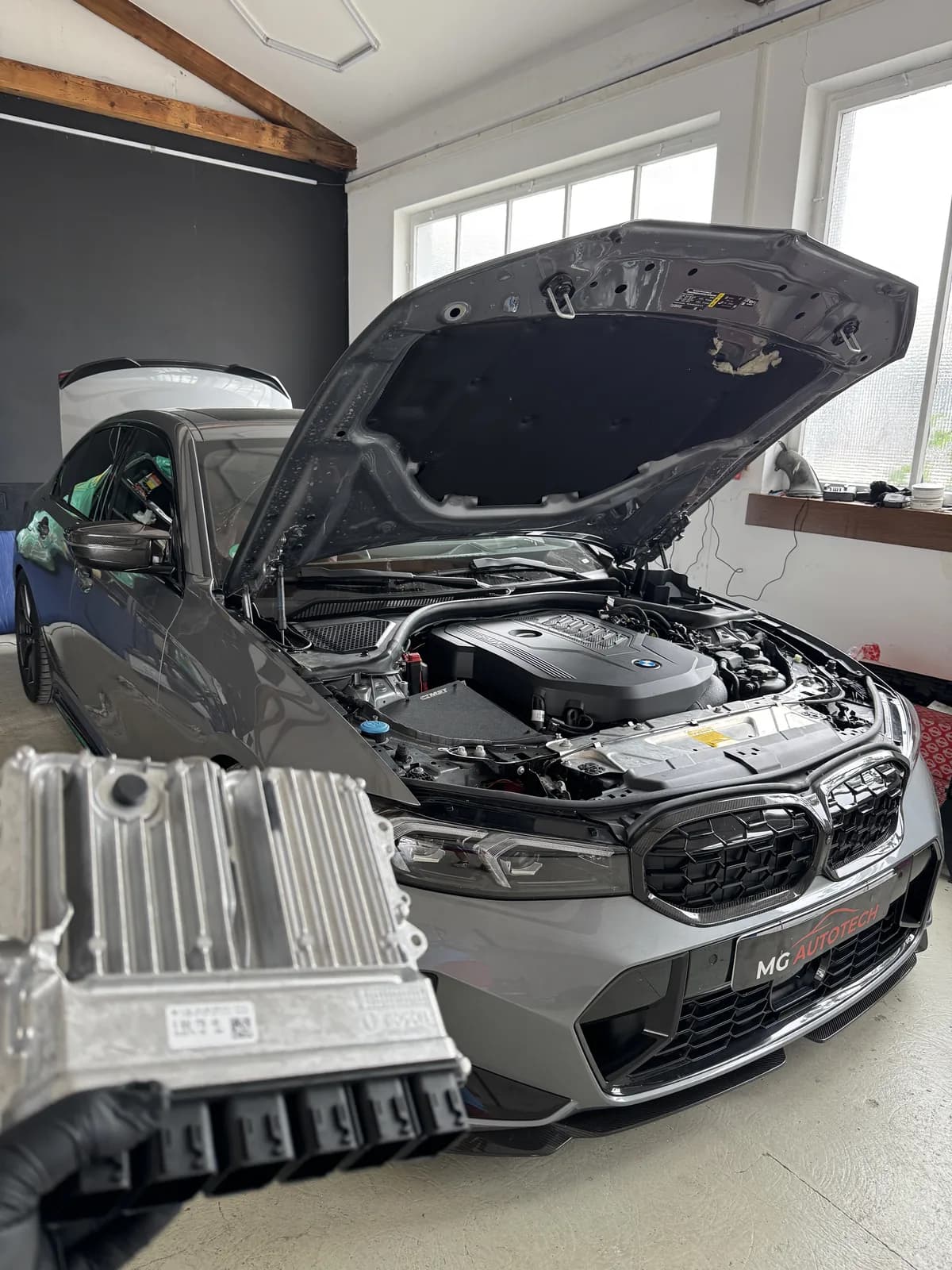
OBD, bench and boot describe different technical access methods. OBD uses the diagnostic interface with the ECU installed in the vehicle. Bench connects directly to a removed ECU through its connector. Boot accesses a deeper hardware level and may require opening the case. The right method depends on the ECU, software, supported protocol, data needed and job objective—not a blanket ranking of better or worse.
- Access method is a technical decision for each ECU and software version.
- OBD does not automatically provide a full backup; data coverage depends on the protocol.
- Bench uses the ECU connector directly; boot may require deeper hardware access.
- Identification, backup, power supply and recovery plans must be clear before writing.
Why are there several ways to access an ECU?
An engine ECU processes sensor data and coordinates air, fuel, ignition or injection, torque, diagnostics and, depending on the architecture, other vehicle functions. Manufacturers, ECU families, processors, software and protection designs differ. No universal connection therefore provides the same data access on every vehicle.
Professional programming tools list supported combinations of vehicle, ECU, protocol and operating mode. That support must match the unit actually identified. A model list alone is insufficient because one model series can contain different ECUs and revisions.
The chosen mode affects preparation, removal, possible data coverage and risk. By itself, it says nothing about the quality of a later calibration. Creating a correct file is a separate task from technically reading or writing memory.
OBD: access through the diagnostic interface
With OBD, the ECU stays in the vehicle and the programming tool connects to the diagnostic interface. Communication uses the networks supported by the protocol. This can shorten preparation when that exact ECU and software combination supports it.
OBD describes the connection, not automatically the amount of data available. A protocol may provide selected calibration areas, a virtually supplied original file or more extensive data. “Read through OBD” therefore does not establish that a complete backup exists.
Stable power, correct identification and uninterrupted operation remain important even through the diagnostic socket. During writing, low voltage, interrupted communication or an unsuitable file can leave an ECU unable to communicate normally.
Bench: direct connection to a removed ECU
Bench access removes the ECU from the vehicle and connects the specified supply and communication lines through its external connector. Official tool documentation distinguishes this direct connection from OBD. With a supported bench protocol, the case normally stays closed.
Depending on the unit, direct access may offer different reading and writing functions from access through the vehicle network. That does not make bench universally more complete or safer. The exact protocol support, pin assignment, power supply and documented memory coverage decide.
Removal and refitting are part of the job. Connectors, locks, moisture protection, mounting and subsequent functional checks all matter. An ECU should not be removed simply because “bench” sounds more sophisticated.
Boot: access at a deeper hardware level
Boot methods communicate through a hardware-level startup or programming mode. Depending on the unit and protocol, direct contact with the electronics and opening the case may be necessary. This mode is used where deeper memory access or recovery requires it and is officially supported.
Opening the case increases the demands on electrostatic-discharge protection, cleanliness, correct contacts and proper resealing. The contact points and signals belong in the tool manufacturer’s unit-specific instructions, not a generic customer guide.
Boot is not universally “the best” method. If an approved OBD or bench route provides the required data safely, a deeper intervention may add unnecessary work. The mode follows the objective and documented support.
OBD, bench and boot compared directly
Three practical questions come first: does the ECU remain installed, must it be removed, and will the case be opened? The more important question then follows: which memory areas can the specific protocol actually read, write or back up?
The following overview is deliberately general. A tool may support several modes for one ECU but only one for a similarly named unit. The current official protocol and working instructions for the identified hardware and software version remain decisive.
| Mode | Connection | Typical preparation |
|---|---|---|
| OBD | Through the diagnostic interface and vehicle network | Identify vehicle and ECU; stabilise power supply |
| Bench | Directly to the connector of the removed ECU | Remove the ECU; verify the pinout and supply plan |
| Boot | Hardware-level programming access at the ECU | Open if required by the protocol; plan protected working conditions and resealing |
What determines the appropriate method?
First, identify the vehicle, ECU and software. Then check which modes the chosen tool supports for that exact combination. The objective and data needed follow: calibration, replacement, recovery and data transfer can have different requirements.
Access rights and manufacturer protection also matter. Modern repair and programming access may require authentication or an approved process. A physically possible connection is not the same as authorised, technically supported work.
Finally, assess the workload and recovery options. If writing is interrupted, the recovery method for that unit must already be known. Switching modes improvisationally after a failure is no substitute for a planned recovery strategy.
- Exact ECU or TCU identification and software version
- Current protocol support of the professional tool
- Required memory and backup coverage
- Permitted removal and case-opening work
- Documented recovery route after an interruption
What does an ECU backup actually contain?
An ECU can contain different memory areas, including program data, calibration and vehicle-specific information. Not every access method makes all of them available. A backup should therefore be documented by source, ECU identifier, software, date and actual memory coverage—not just a filename.
A provider-supplied virtual original file can be useful for a supported purpose, but is not the same as the complete current contents of every memory area in the fitted ECU. A calibration read is likewise not automatically suitable for cloning or repair.
Later restoration depends on the available original data, the ECU and vehicle condition at that time, and the supported writing method. A backup improves traceability, but does not guarantee a solution to every future situation.
Which risks must be addressed before writing?
Electrical stability is fundamental. The vehicle battery, external power supply, cables, connectors and computer must not interrupt the process unexpectedly. Loads and ignition state must also be managed as specified in the working instructions.
A wrong protocol, unsuitable file or misidentified ECU version can cause damage regardless of connection method. A tool’s checksum or correction functions do not replace checking that source data and target unit match.
Opened ECUs add risks involving electrostatic discharge, mechanical damage and sealing. Installed units can be affected by other controllers and the network topology. Each mode has its own failure points; controlled selection and documentation are what matter.
What should you ask before ECU work?
Ask which ECU was identified, which access method is planned and why. Establish whether removal or opening is needed and which data will be saved before changes. A clear explanation is more useful than simply naming a tool.
Functional checks, documentation and manufacturer updates are equally important. A later update can change the software or overwrite earlier modifications. You should know which information to pass on at future workshop visits.
- Which ECU and software version were identified?
- Why is OBD, bench or boot planned for this objective?
- Which memory areas will be read and backed up?
- Will the ECU need removal or opening?
- How will writing, recovery and final checks be documented?
Traceable sources
Sources and further reading
These sources provide general technical and legal context. For an individual vehicle, its software version, modifications, approval status and a vehicle-specific assessment are decisive.
- Magicmotorsport: Flex—official overview of OBD, bench and boot methods
- Bosch Mobility: construction and functions of an electronic engine control unit
- EUR-Lex: Regulation (EU) 2026/699—secure access to OBD and repair information
View our editorial policy, source standards and corrections process